
You can now make any book on your shelves private!
A private book is visible only to you. Nobody else sees its title, author, or cover. It won't show on your profile, your shelves, your stats, your wrap-ups, or in the news feed, and any review you've written stays hidden too.
Your books read, pages, minutes, streaks, and reading goals all include your private books though, so your totals stay accurate.
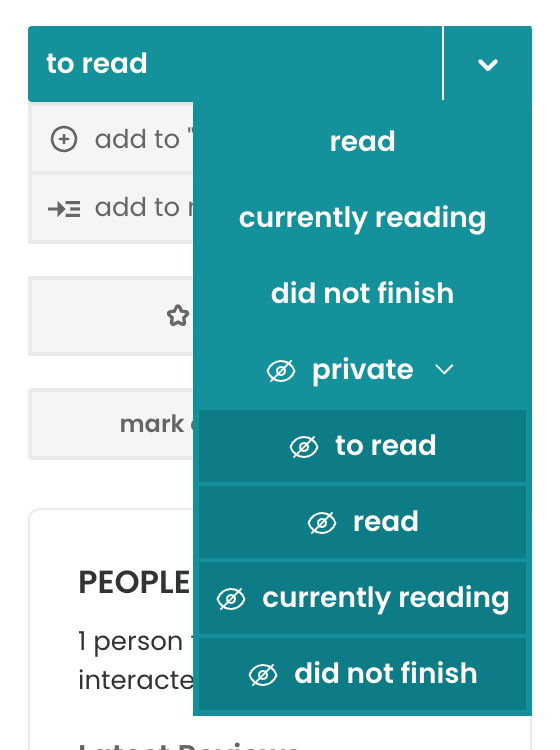
To add a book privately from the start, pick one of the private options in the reading status dropdown.
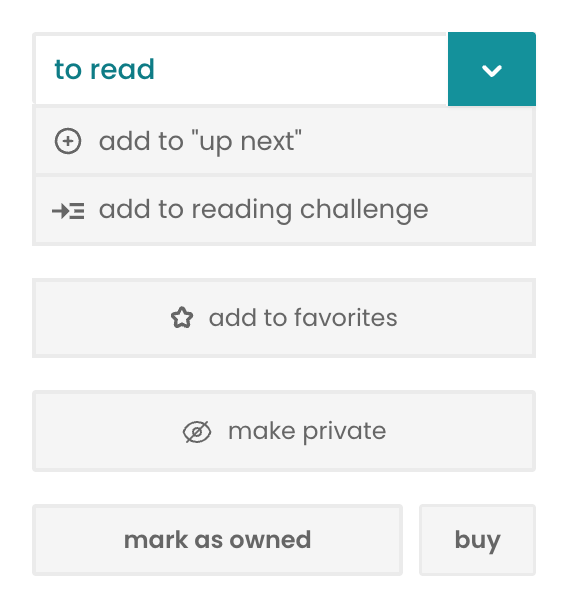
For a book that's already on your shelves, use the make private button on the book's page. On mobile, you'll find it behind the three-dot menu on any book.
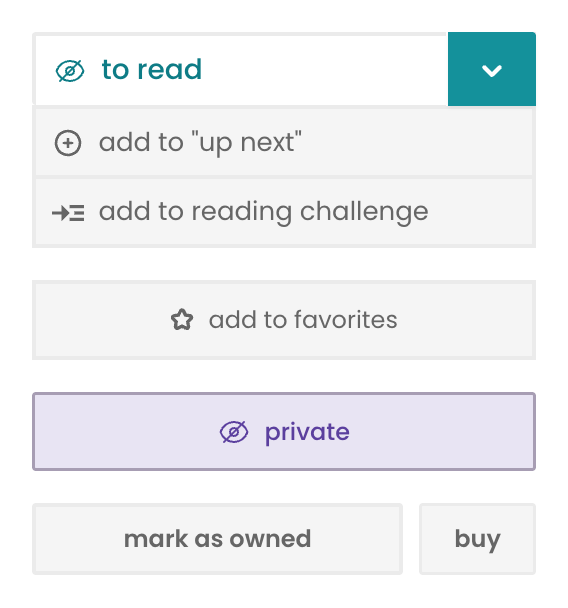
Press the private button if you want to make a book public. Everything reappears exactly as it was, except for deleted news feed items.
Public buddy reads and readalongs work a little differently. A book can't be private while you're taking part in a public group read for it, and nobody can pull your private book into one. You'll need to leave a public buddy read or readalong before making its book private. And if a book is already private, you'll have to make it public again before you start or join a public buddy read or readalong.